menu
Skip to content
KAI

Your meetings, captured.Your emails, already drafted.

KAI is your AI notetaker and email assistant in one.
Reply drafts in your writing style, right in Gmail or Outlook.

Try KAI free for 14 days
You review. You send.

Developed in Amsterdam · Hosted in the EU

Explore KAI
Click a section and look around
INTERACTIVE PRODUCT PREVIEW

Good morning, Mark Your workday

72 emails sorted. This needs your attention today.

8
Tasks for today

Start with these

18 action emails

Your agenda today

10:00
 to 10:42
Project meeting Noord Construction
Google Meet
KAI is invited
Design team sync
Client call Studio West
Sprint planning
Later: sales meeting · weekly wrap-up

Finish today

In control of your inbox

72 emails sorted. You decide what happens.

Interactive example

Action required

18 emails

Label on · In inbox · Drafts on

2 example emails

From Sanne de Vries

Schedule for phase 2

Can you confirm when phase 2 will be delivered? Then I can book the test week.

✦
KAI draft
For review

Hi Sanne, phase 2 will be delivered on 14 November. I will work out the schedule for the test week and send it to you. Best, Mark

Context: Tuesday’s project meeting

Drafts are off

Decide per category whether KAI may prepare a reply.

You review and send from Gmail or Outlook.

From Eva Jansen

Response to our proposal

Have you had a chance to look at our partnership proposal? I would love to hear what you think.

✦
KAI draft
For review

Hi Eva, thank you for your proposal. I will go through it and get back to you. Best, Mark

Context: This email thread

Drafts are off

Decide per category whether KAI may prepare a reply.

You review and send from Gmail or Outlook.

2 example emails

From Studio West

Design approval

The revised design has been sent to the client. We are waiting for approval.

✦
KAI draft
For review

Hi team, have you heard back about the revised design yet? Then we can plan the next step. Best, Mark

Context: Last email sent

Drafts are off

Decide per category whether KAI may prepare a reply.

You review and send from Gmail or Outlook.

From Lucas Bakker

Quote for review

You sent the quote and are waiting for a response.

✦
KAI draft
For review

Hi Lucas, have you had a chance to look at the quote? Just let me know if you have any questions. Best, Mark

Context: This email thread

Drafts are off

Decide per category whether KAI may prepare a reply.

You review and send from Gmail or Outlook.

2 example emails

From Team Noord

New point of contact

From next week, Lisa is your point of contact for delivery.

✦
KAI draft
For review

Thanks for the update. I will contact Lisa about delivery. Best, Mark

Context: This email

Drafts are off

Decide per category whether KAI may prepare a reply.

You review and send from Gmail or Outlook.

From HR team

Office on Friday

On Friday the office closes at 16:00.

✦
KAI draft
For review

Thanks for letting me know. I will keep it in mind. Best, Mark

Context: This email

Drafts are off

Decide per category whether KAI may prepare a reply.

You review and send from Gmail or Outlook.

2 example emails

From Lotte Visser

Agree on materials

Which finish do you prefer? I need your choice for the order.

✦
KAI draft
For review

Hi Lotte, I will align the finish internally and let you know which option we will order. Best, Mark

Context: This email

Drafts are off

Decide per category whether KAI may prepare a reply.

You review and send from Gmail or Outlook.

From Finance

Budget for phase 2

Could you have the budget checked before we approve the order?

✦
KAI draft
For review

Hi team, I will have the budget checked and report back. Best, Mark

Context: This email

Drafts are off

Decide per category whether KAI may prepare a reply.

You review and send from Gmail or Outlook.

2 example emails

From Project team

Weekly update project Noord

Preparation is on schedule. There are no new issues.

✦
KAI draft
For review

Thanks for the update. Good to hear preparation is on schedule. Best, Mark

Context: This email

Drafts are off

Decide per category whether KAI may prepare a reply.

You review and send from Gmail or Outlook.

From Supplier

Order on its way

The materials have been shipped. You will receive the delivery confirmation separately.

✦
KAI draft
For review

Thanks, I will keep an eye out for the delivery confirmation. Best, Mark

Context: This email

Drafts are off

Decide per category whether KAI may prepare a reply.

You review and send from Gmail or Outlook.

2 example emails

From Sanne de Vries

Project meeting moved

The project meeting has moved to Thursday at 10:00.

✦
KAI draft
For review

Hi Sanne, thanks for letting me know. I will check my calendar and confirm the invitation. Best, Mark

Context: This email

Drafts are off

Decide per category whether KAI may prepare a reply.

You review and send from Gmail or Outlook.

From Team Noord

Agenda for Thursday

The agenda covers the schedule and the preparation of the test week.

✦
KAI draft
For review

Thanks for the agenda. I will bring the schedule to the meeting. Best, Mark

Context: This email

Drafts are off

Decide per category whether KAI may prepare a reply.

You review and send from Gmail or Outlook.

2 example emails

From Service desk

Your request is resolved

Access has been restored. Your request is closed.

✦
KAI draft
For review

Thanks for sorting it out. Everything works again. Best, Mark

Context: This email

Drafts are off

Decide per category whether KAI may prepare a reply.

You review and send from Gmail or Outlook.

From Studio West

Files received

All final files have been received. Thank you for working with us.

✦
KAI draft
For review

Thanks for confirming, and for the great collaboration. Best, Mark

Context: This email

Drafts are off

Decide per category whether KAI may prepare a reply.

You review and send from Gmail or Outlook.

2 example emails

From Design Weekly

Inspiration for this week

This newsletter contains the latest articles and product tips.

✦
KAI draft
For review

Thanks for the information. Best, Mark

Context: This newsletter

Drafts are off

Decide per category whether KAI may prepare a reply.

You review and send from Gmail or Outlook.

From Events team

Invitation to a webinar

Next week we are hosting a webinar on smarter collaboration.

✦
KAI draft
For review

Thanks for the invitation. I will see whether I can join. Best, Mark

Context: This invitation

Drafts are off

Decide per category whether KAI may prepare a reply.

You review and send from Gmail or Outlook.

What may KAI do?

For new emails in this category.

Your existing emails stay unchanged.

Meetings
Processed
Project meeting Noord Construction
Tuesday · 10:00 to 10:42 · Google Meet
SV · M · L
Meeting summary
Overview

The team discussed the schedule for phase 2 and the preparation of the handover.

Schedule
&
 handover
  • Phase 2 will be delivered on
    14 November
    .
  • Mark schedules the test week and shares the schedule with Sanne.
  • Lotte takes care of the materials order.
Knowledge

Knowledge bases

Client files

Agreements, quotes and emails

Projects

Schedules and project decisions

HR & organisation

Policies and working agreements

Design resources

All links, files and templates

Swipe or scroll to see all knowledge bases →

Chat
Your organisation

What can KAI help you with today?

Click a question to see the example answer.

Example with fictional data from emails, meetings and tasks.

Connections Your existing tools

Connect KAI to the systems you work in.

Gmail

Email drafts and categorisation

Connected
Outlook

Your email and calendar

Connected
Google Meet

KAI joins your meetings

Connected
Asana

Your tasks and projects

Connected
Linear

Your issues and projects

Available
Documents

Add files to your knowledge base

Your own files
See what needs attention, what is coming up and what you want to finish today.
Example data · scroll inside the window for more

Teams already working with KAI

CheckThePriceLegalPalAboutWRKLogicmoversLogo-CTPlegalpal-logoLogo-AboutWRKlogicmovers

You lead the conversation.
KAI keeps track.

KAI joins your online meeting. Afterwards, the summary, decisions and action items are ready. That context also helps with your next email.

You can also record in-person conversations.

Project meeting
Google Meet
Participant in the example callSanne
Participant in the example callLotte
M
You
KAI

Takes the notes

KAI Notetaker

KAI joins your meeting. You keep your attention on the conversation.

Meetings
Processed
Project meeting Noord Construction
Tuesday · 10:00 to 10:42 · Google Meet
SV · M · L
Meeting summary
Overview

The team discussed the schedule for phase 2 and the preparation of the handover.

Schedule
&
 handover
  • Phase 2 will be delivered on
    14 November
    .
  • Mark schedules the test week and shares the schedule with Sanne.
  • Lotte takes care of the materials order.
Project meeting
3 action items
Agreed

Deliver phase 2 on 14 November.

  • Schedule the test week
    Mark
  • Send the schedule to Sanne
    Mark
  • Order materials
    Lotte
K
And that context helps you move forward

“Hi Sanne, as we discussed, we will deliver phase 2 on 14 November.”

Example email draft
Example conversation · not a live recording
Knowledge

Knowledge bases

Client files

Agreements, quotes and emails

Projects

Schedules and project decisions

HR & organisation

Policies and working agreements

Design resources

All links, files and templates

Swipe or scroll to see all knowledge bases →

Chat
With your company knowledge
KAI

What can KAI help you with?

What did we agree with Noord Construction?
Client files
Projects
Meetings

You ask your question with the context of your own organisation.

Chat

What did we agree with Noord Construction?

K
Answer from KAI

Here is where things stand:

  • Phase 2 will be delivered on
    14 November
    .
  • Mark schedules the test week and sends Sanne the schedule.
  • Lotte orders the materials.
Project meeting
Email thread
The agreements from your work, together in one answer.

From your company knowledge to a useful answer.

Bring your documents, emails, meetings and connected systems together. Ask KAI your question and keep working with your organisation’s context.

Explore company knowledge in KAI
A workday with KAI

Less writing.
More focus on your work.

From your first email to your last meeting: this is how KAI helps you through the day.

08:30

Your inbox is organised.

You decide how KAI categorises your emails and which categories stay in your inbox. You keep reading and answering your email in Gmail or Outlook.

Category labels
You decide

Turn a category on to move its emails out of your inbox into their label. Off keeps them in your inbox.

1
Action required
Keep in inbox
2
Awaiting reply
Keep in inbox
3
FYI
Keep in inbox
4
Internal input needed
Keep in inbox
5Update
Keep in inbox
6
Meeting update
Keep in inbox
7
Done
Keep in inbox
8Marketing
Keep in inbox

Example of your settings in KAI. Your emails stay in Gmail or Outlook.

11:00

You lead the conversation. KAI keeps track.

KAI joins your meeting. Afterwards, the summary, decisions and action items are ready.

Meetings
Processed
Project meeting Noord Construction
Tuesday · 10:00 to 10:42 · Google Meet
SV · M · L
Meeting summary
Overview

The team discussed the schedule for phase 2 and the preparation of the handover.

Schedule
&
 handover
  • Phase 2 will be delivered on
    14 November
    .
  • Mark schedules the test week and shares the schedule with Sanne.
  • Lotte takes care of the materials order.
14:00

What you discuss helps shape your reply.

Does an email come in on the same topic? Then KAI can include the agreements from your meeting in the draft.

Project meeting
3 action items
Agreed

Deliver phase 2 on 14 November.

  • Schedule the test week
    Mark
  • Send the schedule to Sanne
    Mark
  • Order materials
    Lotte
K
And that context helps you move forward

“Hi Sanne, as we discussed, we will deliver phase 2 on 14 November.”

Example email draft
16:30

Your company knowledge works with you.

Bring your documents, emails, meetings and systems together. Ask your question and keep working with your organisation’s context.

Chat

What did we agree with Noord Construction?

K
Answer from KAI

Here is where things stand:

  • Phase 2 will be delivered on
    14 November
    .
  • Mark schedules the test week and sends Sanne the schedule.
  • Lotte orders the materials.
Project meeting
Email thread
The agreements from your work, together in one answer.
08:3017:30

Start with your inbox.
Build from there.

  1. Connect Gmail or Outlook
    KAI prepares drafts in your own inbox.
  2. Choose your meetings
    Set which conversations KAI records.
  3. Add your company knowledge
    Connect systems or upload documents for extra context.
Try KAI for free
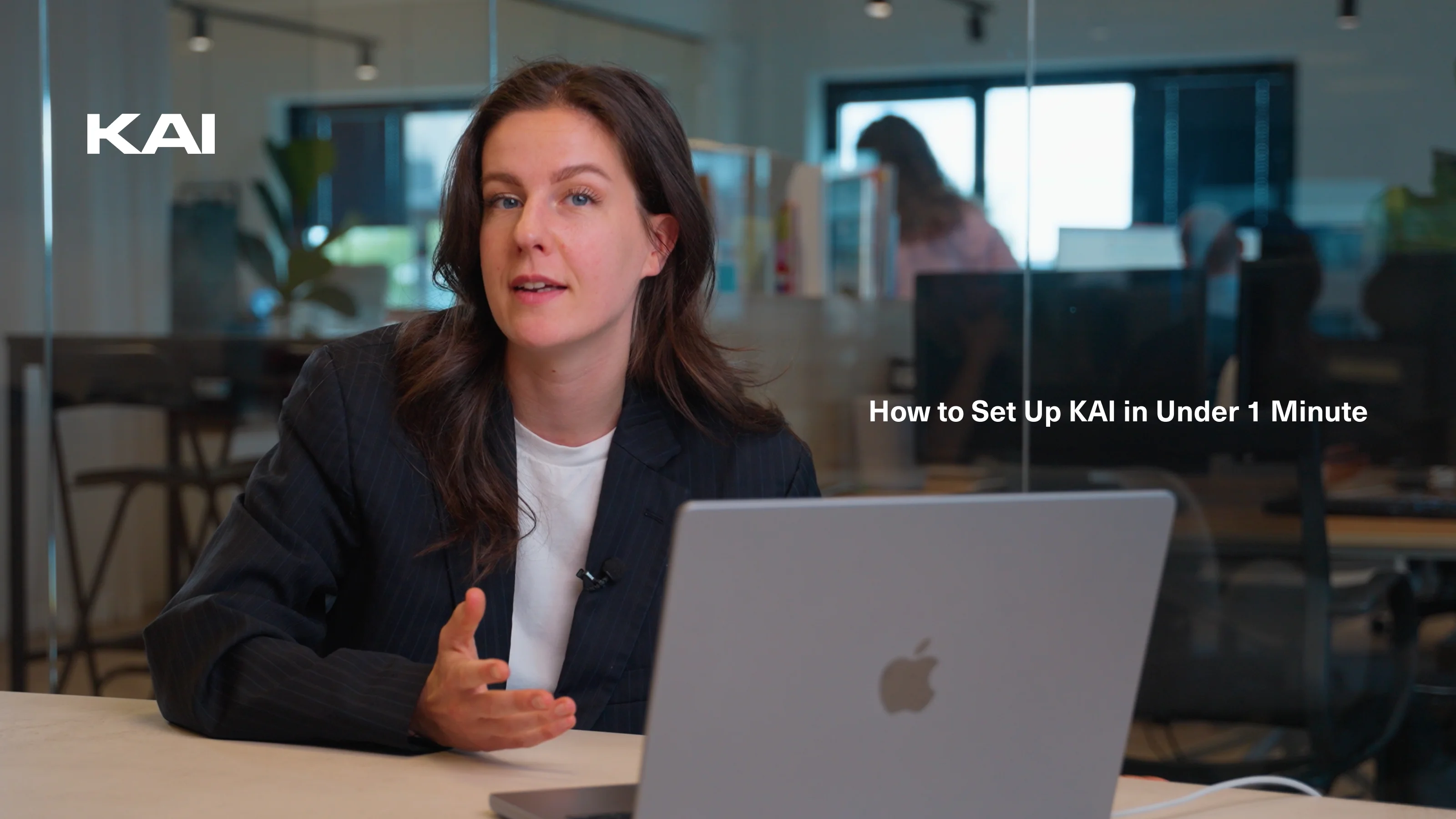
See how to set up KAI.
Security
&
 privacy

Developed in Amsterdam.
Hosted in the EU.

Decide which sources you connect and manage who has access to your organisation’s knowledge.

European hosting
Encryption
Roles and permissions
gdprisonis2
View security and privacy

Trusted by teams across Europe

★★★★★

“We replaced 3 AI tools and cut email noise by 30%”

KAI now automatically summarises our email threads and meetings for managers. Our team of 42 saves hours every week, especially in operations and HR. Secure hosting in the EU was a key deciding factor for us.

Laura van DijkCOO, European logistics group

★★★★☆

“Secure, practical and genuinely useful.”

Many AI tools feel experimental. KAI adds value from day one. We use it for board meeting summaries, contract review drafts and internal Q&A, all within our European data environment.

James O’ConnorDirector of Operations, Healthcare

★★★★★

“Our onboarding time has dropped significantly.”

New employees used to spend weeks searching for policies and project files. With KAI’s internal chat they now find the right answers straight away. It has become a fixed part of our onboarding.

Emma RossiHead of People & Culture, SaaS scale-up (65 employees)

★★★★☆

“Finally, AI that meets our compliance rules.”

As a financial services firm, we cannot use public AI tools. With KAI, our advisers ask questions about complex legislation and client files without leaving our secure environment. Setting access rights per employee works perfectly.

Matthias SchneiderHead of Compliance, FinTrust Advisory

★★★★★

“Clear visibility and real structure.”

Before KAI we had more than 40 SaaS tools and no central oversight. Now team leads have structured access management and shared knowledge bases. It cuts noise significantly.

Sophie LaurentIT Manager, manufacturing company (120 employees)

★★★★☆

“A secure Copilot for the whole company.”

Our marketing and finance teams use KAI daily to draft, analyse and look up internal information. It answers general AI questions as well as specific questions about our company. We no longer need separate AI subscriptions.

David SørensenMarketing Director, Nordic Retail Group

Choose what fits your work.

Compare all features

Basic

€14
per user / month, billed annually

€19 billed monthly

For your daily email, meetings and personal AI chat.

Choose Basic
View all features

Included

  • Email and calendar integration
  • AI meeting summaries
  • AI-assisted email replies
  • Personal AI chat
  • Secure EU hosting

Not included

  • Knowledge layer
  • Company-wide AI search
  • Insights and analytics
View the full comparison
Most popular

Professional

€22
per user / month, billed annually

€29 billed monthly

Everything in Basic, plus connected company knowledge and access for your team.

Choose Professional
View all features

Everything in Basic, plus

  • Unlimited knowledge bases
  • Company-wide AI search
  • Organisation-wide AI chat
  • Custom AI assistant for your company
  • Team roles and access control (RBAC)
  • Insights and advanced analytics
  • All integrations
View the full comparison

Enterprise

Custom
From 25 employees

For extra control, onboarding support and SLA agreements.

Book a demo
View all features

Everything in Professional, plus

  • Custom compliance setup
  • Advanced audit logs
  • SLA guarantees
  • Dedicated onboarding support
  • Account management
View the full comparison

Any questions?

Does KAI send emails automatically?

No. KAI prepares drafts in your writing style. You review the content, adjust where needed and send from your own inbox.

Do I need a meeting for email drafts?

No. KAI also prepares replies to incoming emails without a meeting. It uses the email thread and available context.

Does KAI also work for in-person conversations?

Yes. You can also record in-person conversations and then use the notes, summary and agreed tasks in KAI.

Do I need to connect all my systems first?

No. Start with Gmail or Outlook. You can add business systems and documents later for extra context.

Can I try KAI first?

Yes. You can try Professional free for 14 days. Connect your account to get started.

Your next workday starts with less writing.

Let KAI draft ahead and record your meetings.

Try KAI free for 14 days
You review. You send.

Questions about KAI for your team? Get in touch